
A lot of people treat ChatGPT like a quick search tool. They ask a question, glance at the answer, and end up disappointed.
Professionals use ChatGPT in a different way. They see it as a thinking partner that helps sharpen ideas, make decisions faster, and reduce mental effort during the day.
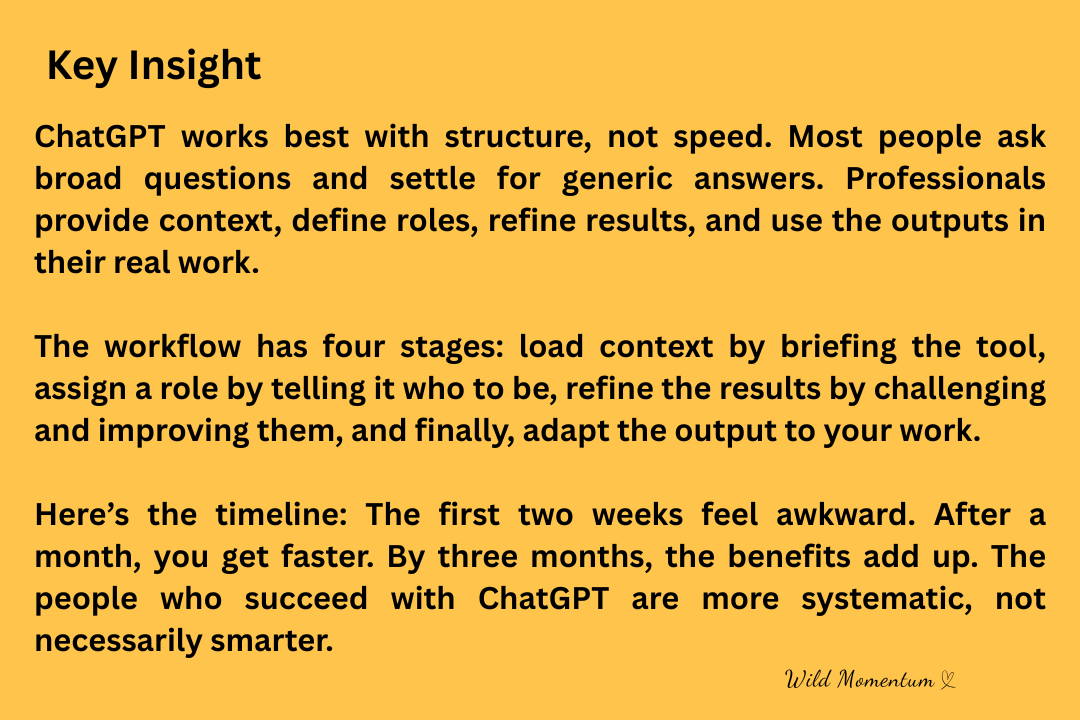
The real difference isn’t about being smarter or using secret prompts. It’s all about having the right workflow.
As more people in consulting, marketing, product, and leadership roles start using AI, a clear pattern appears. The ones who get the most out of it aren’t looking for clever tricks. They build repeatable systems to think with AI. These systems save hours each week and steadily improve their work.
This article will show you that system. Instead of just a list of prompts, you’ll get a professional workflow that brings depth, clarity, and useful results. It works for writing, strategy, research, and decision-making. It takes practice, not shortcuts.
 This Works, But Not the Way Productivity Headlines Suggest
ChatGPT really can change the way you work. But it doesn’t reward rushing or cutting corners. The real value comes from structure, context, and repeated improvement. Professionals put in a bit more effort at the start so the tool pays off over time.
Next, you’ll see the full workflow. It covers the mindset shift most people miss, the four stages professionals use every day, and a realistic timeline for seeing real results.
Why Most People Get Shallow Results From ChatGPT
If you find ChatGPT disappointing, there are usually clear reasons why.
Most users ask broad questions without giving any context. They expect a perfect answer right away, accept whatever comes out, and move on without reviewing it.
This leads to generic answers because the model doesn’t have enough to work with. It also leaves out your own judgment, which is where the real value comes from. AI reflects how clear your thinking is. If your input is unclear, the output will be too.
Professionals notice this early on. They move from just asking questions to running clear processes.
The Mindset Shift Professionals Make Early
Top performers don’t see ChatGPT as an all-knowing expert. They treat it more like a skilled junior analyst.
You set the problem, give the context, and decide what a good result is. The model helps you explore options, spot blind spots, and draft faster than you could by yourself.
This mindset is important because it keeps you in charge. You’re still doing the thinking, just with extra support.
Once you make this shift, everything else gets easier.
The Professional ChatGPT Workflow (Overview)
Professionals use a simple, repeatable system. Here’s what it looks like:
- Context loading
- Role assignment
- Iterative refinement
- Output integration
Each stage builds on the one before it. If you skip a step, your results drop off. Use all four, and your work gets better.
Stage 1: Context Loading (The Step Almost Everyone Skips)
Context loading means giving ChatGPT the information it needs before you ask for results.
This means sharing background, limits, goals, audience, and standards. Explain the situation as if you’re bringing a smart coworker up to speed in the middle of a project.
For example, instead of just saying, “Write an email about this idea,” you explain who the email is for, what decision you want, what tone fits, and what to avoid.
This extra step takes two to five minutes but can save you hours of editing later.
Professionals know this trade-off. They spend a bit more time at the start to avoid redoing work later.
Stage 2: Role Assignment (How Output Quality Jumps)
Once the context is set, professionals give ChatGPT a specific role.
ChatGPT does its best work when it knows who it should act as. A strategist thinks differently than an editor, and an analyst organizes things differently than a coach.
Clear roles help sharpen the logic, tone, and focus of the output. They also cut down on the generic filler that many users dislike.
Some useful roles are strategy consultant, executive editor, research analyst, or systems thinker. The role doesn’t have to be fancy, just specific.
When the role is clear, ChatGPT stops guessing and the output gets deeper right away.
Stage 3: Iterative Refinement (Where Professionals Actually Win)
This stage is what sets power users apart from everyone else.
Professionals expect to get drafts. They ask for feedback, request other options, and push for clearer reasoning and a better fit for the audience.
Instead of taking the first answer, they go through quick rounds of improvement. Each round makes the output clearer, better structured, or more useful.
This step usually takes fifteen to thirty minutes for important work. That time saves hours you’d spend drafting alone or second-guessing yourself later.
Beginners look for quick answers. Professionals aim for better thinking.
Stage 4: Output Integration (Turning Text Into Results)
If you don’t use the output, you get no real benefit.
Professionals take what ChatGPT gives them and work it into their documents, presentations, plans, or decisions. They mix the AI’s output with their own judgment and experience.
At this stage, you take full ownership again. ChatGPT helps you think, but you decide what to use.
If you skip this step, AI just adds noise. When you use it well, AI multiplies your results.
The Realistic Timeline to Master This Workflow
You can’t master this in a day.
- During the first two weeks, it’s normal to feel some friction. Results may be uneven as you learn to think more clearly.
- By the end of the first month, you’ll draft faster, your prompts will be clearer, and refining your work will feel natural.
- After three months, the benefits add up. You’ll think faster, write more clearly, and handle complex problems with less effort.
Professionals keep using this process because the improvements build up over time.
Common Mistakes That Kill Results
One mistake is collecting prompts instead of building a real workflow. Prompts without structure don’t work well for different tasks.
Another mistake is trusting the output without question. Professionals always challenge the responses and ask for feedback before using them.
A third mistake is only using ChatGPT when something comes up. Top performers use it early for planning, analysis, and setting up decisions.
Each mistake limits your results. Fixing them brings back the benefits.
Who This Workflow Is For (And Who It’s Not)
This system works best for knowledge workers, creators, founders, consultants, and operators. If your work involves thinking, writing, or decision-making, the upside is real.
It’s not for people looking for shortcuts with no effort. ChatGPT rewards clear thinking and accountability. If you skip those, your results will stay shallow.
The Opportunity Is Real, and So Is the Work
ChatGPT isn’t just hype. Professionals are already gaining real advantages with it every day, and the gap is quietly growing.
The real advantage doesn’t come from clever prompts. It comes from using structure, repetition, and good judgment over time.
Start small. Pick one role, give real context, and do one round of improvement. Let your clarity grow from there.
The people who succeed with ChatGPT aren’t smarter. They’re just more systematic. You can do the same.